
K
Kcwiro
Guest
I purchased this kit for my 750 last week and got around to installing it over the weekend. Once I figured things out it was not that hard.
http://www.casporttouring.com/cst/motorcycle/Vista-Cruise/16022.html
Vista-Cruise Cruise Control - Universal 7/8" Bar

Steps are pretty straight forward though the directions are terrible, if you can connect a few visual dots you are golden. Once my roommate and I figured this out install was a snap. Approx install time 15 minutes for a skilled person (which I am not )... took me about 45 but I had to connect the dots and had no experience with these units prior.
1. You are going to have to loosen your mirror/mount and slide it down to the left to fit the locking mechanism. *See bottom picture if my explanation too cryptic you'll see what I'm saying*
2. Once that space is there you will want to loosely attach the tower mount and bolt the arm to it. The arm reaches over to the throttle lock spot on your grip.
Note: I put mine up above my kill switch just for the pic it goes under the kill switch, also a special note the rubber grommet is a bit large and does not wrap exactly around my grip I'm sure I can cut it down a bit to fit things easier but if it works as is I just leaving it be.
3. The throttle lock piece simply slides all the way over the grip and takes about a 1/2" of grip away from you. I have small hands so this was not an issue. It should site over the notches on your grips to help the device get a good grip.
NOTE: The handlebar has a notch on the lower part of it the kill switch that locks where the unit goes...you can bend this down if you want to play with the engine kill switch position on the bars but I do not recommend it. If it is out of position in anyway your kill switch will not screw closed properly less ofcourse you bend the notch down
4. You now fit the thumb switch piece and drive the screw through the eye on the adjustment screw on the locking mechanism. You will have to compress the adjustment screw to get it through properly. Then screw it into the arm from the piece you attached earlier. They include a longer screw and a spacer if you non-stock controls that are wider.
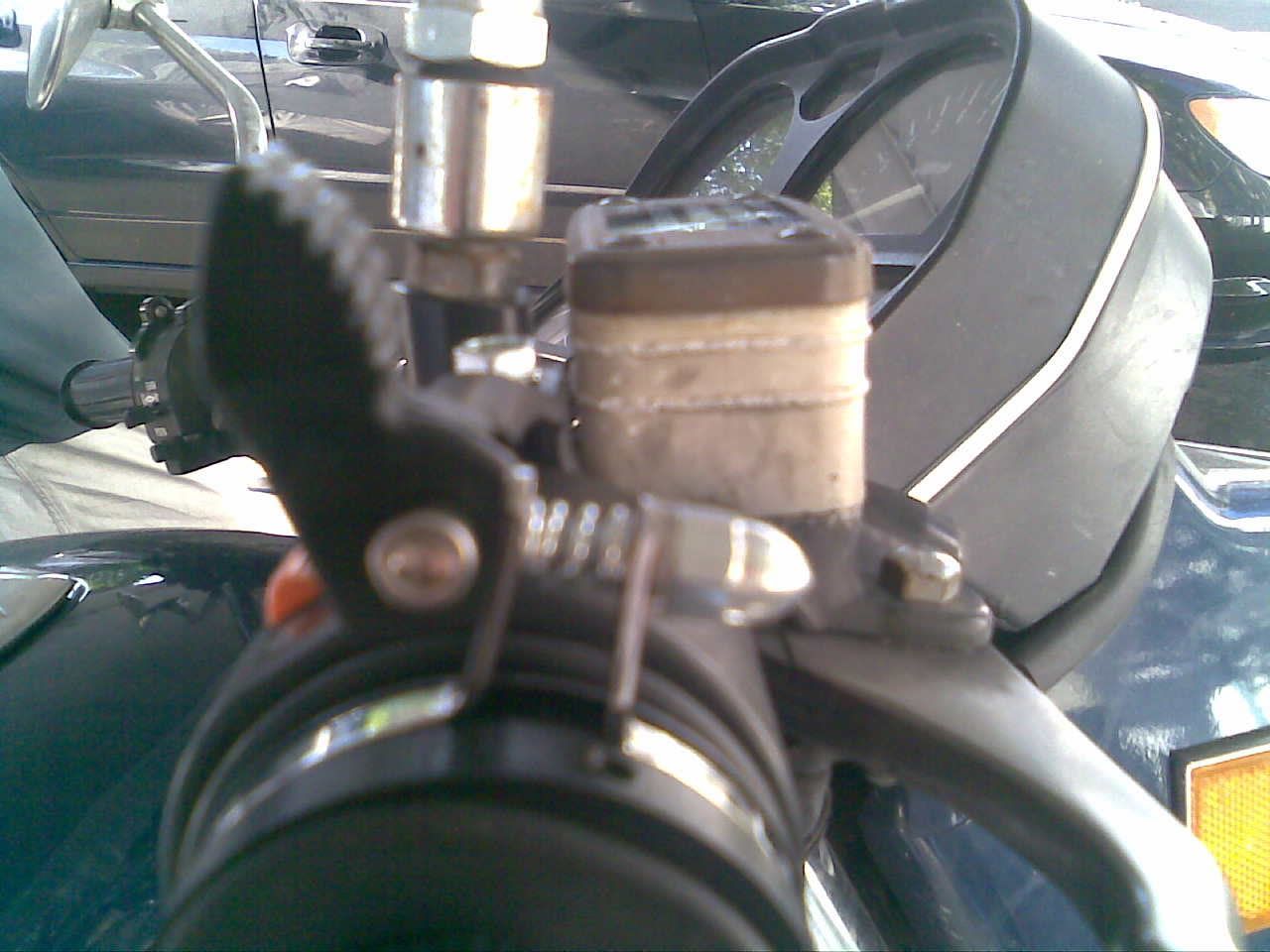
5. Once you get the the pieces attach and in the spots you like go ahead and tighten down the tower piece now with the included hand tools or whatever you have.
6. Turn the three screws which compress the rubber ring to your grip and adjust the adjuster screw until you find the proper tension to hold your throttle in place.
7. Your done, Your done go out for a ride and test out your new cruise control.
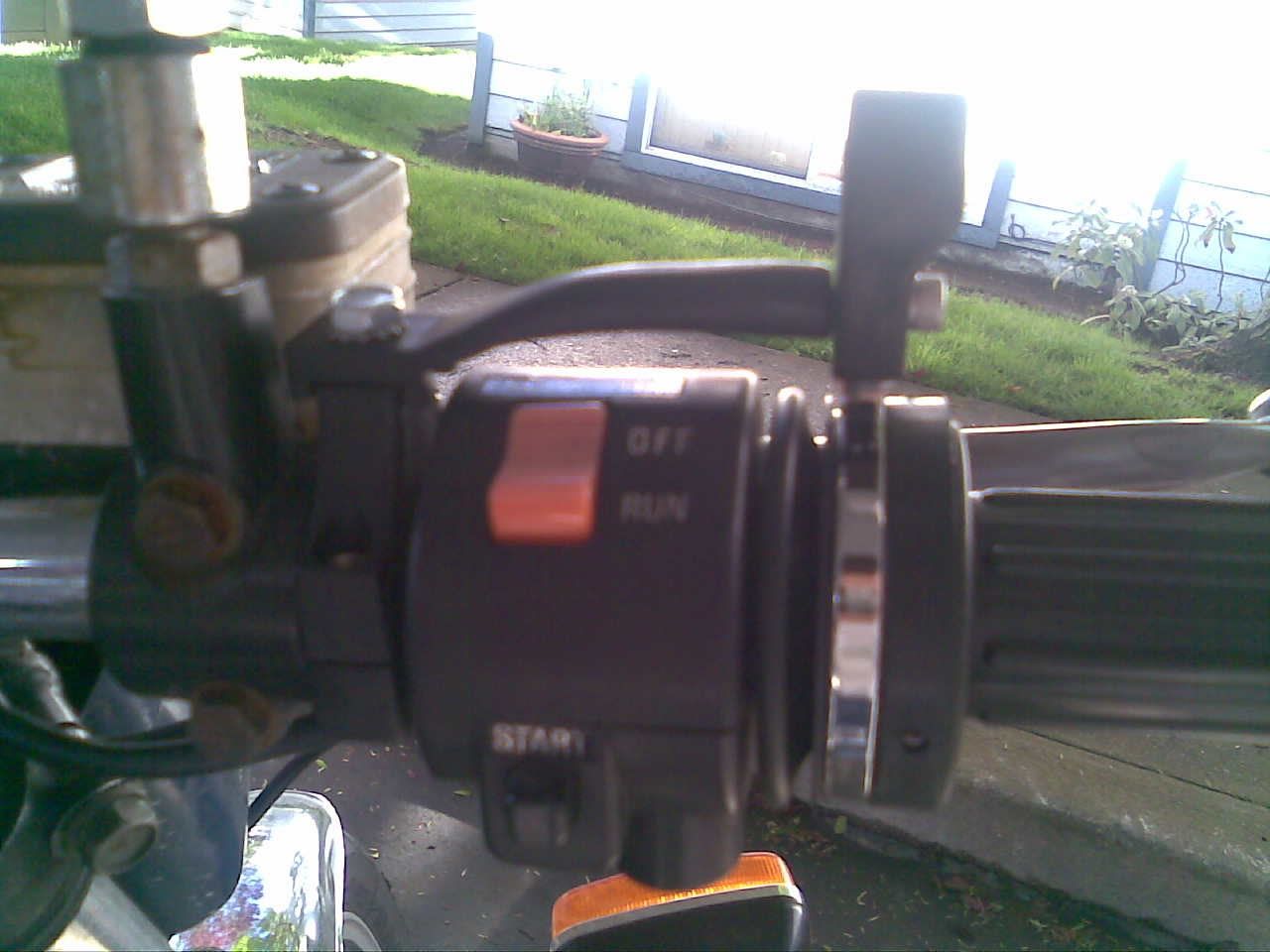
Maybe it looks easy but for a noob like me sometimes I just do not get things... Figured this might help someone who is wanting to add this to their GS and if one person makes use of this effort well spent IMO. Enjoy!
Admins feel free to move to different forum - We should have a how-to section...
http://www.casporttouring.com/cst/motorcycle/Vista-Cruise/16022.html
Vista-Cruise Cruise Control - Universal 7/8" Bar
Steps are pretty straight forward though the directions are terrible, if you can connect a few visual dots you are golden. Once my roommate and I figured this out install was a snap. Approx install time 15 minutes for a skilled person (which I am not
)... took me about 45 but I had to connect the dots and had no experience with these units prior.1. You are going to have to loosen your mirror/mount and slide it down to the left to fit the locking mechanism. *See bottom picture if my explanation too cryptic you'll see what I'm saying*
2. Once that space is there you will want to loosely attach the tower mount and bolt the arm to it. The arm reaches over to the throttle lock spot on your grip.
Note: I put mine up above my kill switch just for the pic it goes under the kill switch, also a special note the rubber grommet is a bit large and does not wrap exactly around my grip I'm sure I can cut it down a bit to fit things easier but if it works as is I just leaving it be.
3. The throttle lock piece simply slides all the way over the grip and takes about a 1/2" of grip away from you. I have small hands so this was not an issue. It should site over the notches on your grips to help the device get a good grip.
NOTE: The handlebar has a notch on the lower part of it the kill switch that locks where the unit goes...you can bend this down if you want to play with the engine kill switch position on the bars but I do not recommend it. If it is out of position in anyway your kill switch will not screw closed properly less ofcourse you bend the notch down
4. You now fit the thumb switch piece and drive the screw through the eye on the adjustment screw on the locking mechanism. You will have to compress the adjustment screw to get it through properly. Then screw it into the arm from the piece you attached earlier. They include a longer screw and a spacer if you non-stock controls that are wider.
5. Once you get the the pieces attach and in the spots you like go ahead and tighten down the tower piece now with the included hand tools or whatever you have.
6. Turn the three screws which compress the rubber ring to your grip and adjust the adjuster screw until you find the proper tension to hold your throttle in place.
7. Your done, Your done go out for a ride and test out your new cruise control.
Maybe it looks easy but for a noob like me sometimes I just do not get things... Figured this might help someone who is wanting to add this to their GS and if one person makes use of this effort well spent IMO. Enjoy!
Admins feel free to move to different forum - We should have a how-to section...
Last edited: