Photo's

Collapse
X
 
  • Time
  • Show
Clear All
new posts
  • Jinks
    Forum Apprentice
    • Sep 2022
    • 65
    • Deanmill sth/west W.A.

    #1

    Photo's

    I'm new to this computer stuff, I can't post a photo, I don't even know what a URL is, I do have flicka.
  • Rich82GS750TZ
    Forum Guru
    Past Site Supporter
    Super Site Supporter
    • Jun 2018
    • 5571
    • Mifflinburg, PA / Land of Tar & Chip

    #2
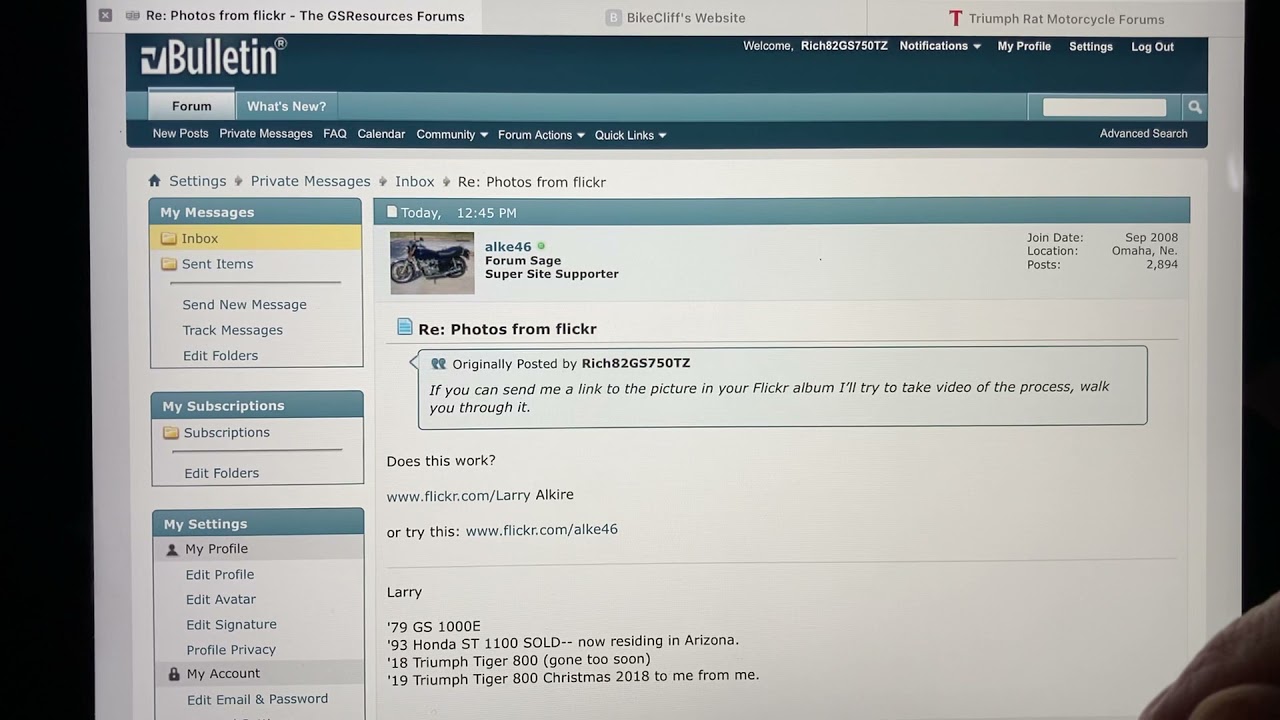
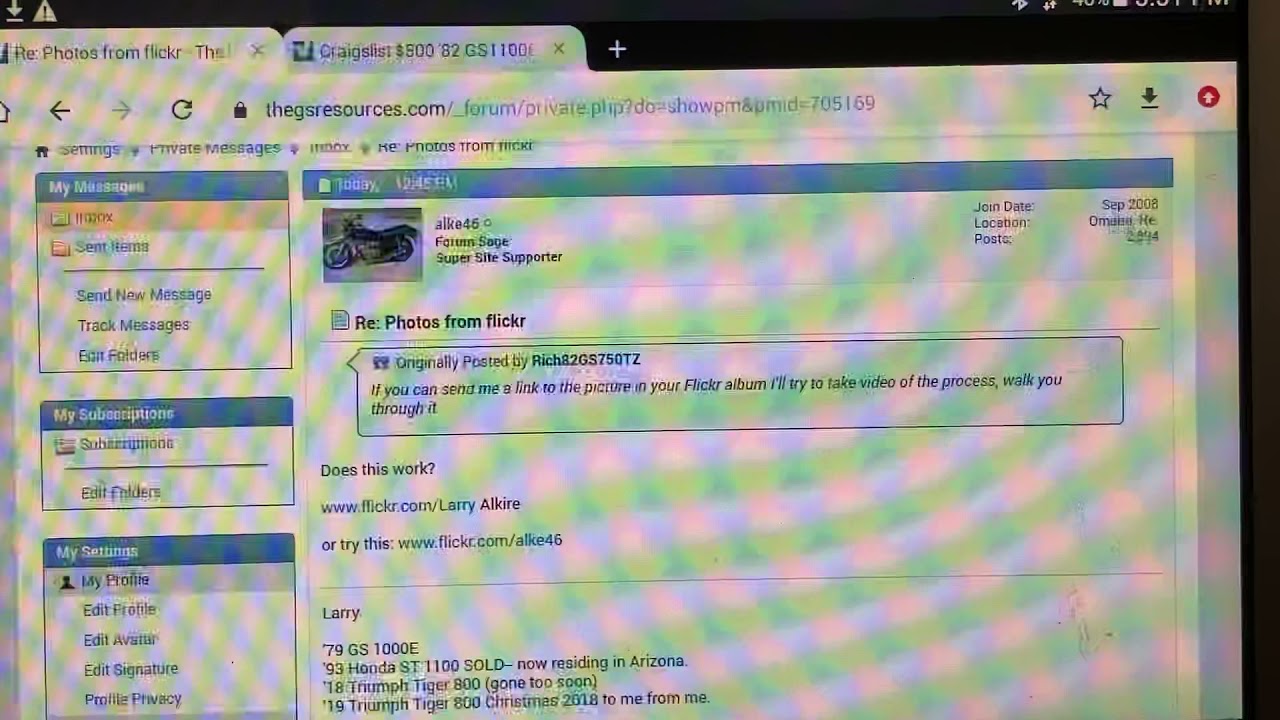
    Assuming you mean Flickr, follow the instructions linked on my signature Posting pics. Go to post #6 of that thread.
    Links

    Comment

    • Jinks
      Forum Apprentice
      • Sep 2022
      • 65
      • Deanmill sth/west W.A.

      #3
      What is a URL? AsI said I am not tech savvy.

      Comment

      • Rich82GS750TZ
        Forum Guru
        Past Site Supporter
        Super Site Supporter
        • Jun 2018
        • 5571
        • Mifflinburg, PA / Land of Tar & Chip

        #4
        A URL is simply the web address. It typically does not display fully until you click on it.
        Links

        Comment

        • Rob S.
          Forum Guru
          Past Site Supporter
          • Dec 2013
          • 9389
          • New York City

          #5
          Universal Resource Locator.
          1982 GS1100E V&H "SS" exhaust, APE pods, 1150 oil cooler, 140 speedo, 99.3 rear wheel HP, black engine, '83 red

          2016 XL883L sigpic Two-tone blue and white. Almost 42 hp! Status: destroyed, now owned by the insurance company. The hole in my memory starts an hour before the accident and ends 24 hours after.

          Comment

          • Jinks
            Forum Apprentice
            • Sep 2022
            • 65
            • Deanmill sth/west W.A.

            #6
            I put in flickr on upload from url, all I got was- this is not a valid image file.

            Comment

            • bccap
              Forum LongTimer
              Past Site Supporter
              • May 2011
              • 27265
              • Vancouver B.C.

              #7
              You have to use Flickr from your computer. It doesn't work from a phone .... And here is the procedure ......

              1} Click on the photo you want to post and it will be larger in a separate screen .....

              2} On the bottom right of the screen you will see several icons . Click on the arrow pointing to the right .....

              3} In the new window at the top of the screen you will see four choices . Share, Embed, Email, and BBCode. ...Select BBCode .

              4} Select size . You can experiment a bit with that when you post by using the preview option.

              5} Left click on the url and it will highlight in blue. Then hit Control-C simultaneously to copy it .

              6} Go to the post on GSR you want to show a picture on and left click to get the cursor active and then hit Control -V to paste the photo in your post ......​

              7} You're done......

              Comment

              • Rich82GS750TZ
                Forum Guru
                Past Site Supporter
                Super Site Supporter
                • Jun 2018
                • 5571
                • Mifflinburg, PA / Land of Tar & Chip

                #8
                Did you watch my videos?


                Links

                Comment

                • Jinks
                  Forum Apprentice
                  • Sep 2022
                  • 65
                  • Deanmill sth/west W.A.

                  #9
                  That's the problem, I only have an andriod device, ah well! No photo's for GSResources.

                  Comment

                  • Rich82GS750TZ
                    Forum Guru
                    Past Site Supporter
                    Super Site Supporter
                    • Jun 2018
                    • 5571
                    • Mifflinburg, PA / Land of Tar & Chip

                    #10
                    The second video I posted above is on an Android tablet. It's the same procedure using an Android phone.
                    You can use the Flickr App to upload photos to Flickr. But you cannot use the app to get the BBCode.- that is not available in the app.
                    For that you have to open Flickr in full-site mode in a browser on your phone (probably Chrome).
                    I can't teach you how to do that.
                    Links

                    Comment

                    • Jinks
                      Forum Apprentice
                      • Sep 2022
                      • 65
                      • Deanmill sth/west W.A.

                      #11
                      Is there a way I can post a photo by useing email?

                      Comment

                      • bccap
                        Forum LongTimer
                        Past Site Supporter
                        • May 2011
                        • 27265
                        • Vancouver B.C.

                        #12
                        ​I normally use Flickr but I just tried this method ...... I went into my pictures file on my computer ..... Selected a picture and double clicked on it. Then I right clicked on the picture and selected " resize " and slid the slider until the new picture size was less than 2 mb. Then clicked save and gave it a new name ..... Then opened that picture and right clicked and select copy ..... Then back to this post and control V to paste it .... Worked fine as you can see below ......

                        red and black Aprilia.jpg​​
                        Attached Files

                        Comment

                        • Rich82GS750TZ
                          Forum Guru
                          Past Site Supporter
                          Super Site Supporter
                          • Jun 2018
                          • 5571
                          • Mifflinburg, PA / Land of Tar & Chip

                          #13
                          Originally posted by Jinks
                          Is there a way I can post a photo by useing email?
                          No.

                          BCCAP’s method works if you’re at a PC and can simply resize your image as he did. On a mobile device, the only way I’ve found to resize an image below 2 MB is with a third part app. Plenty free ones in the App Store. I just downloaded one to try. With this method, you are limited to one pic per post, I think. This is the result.
                          image.jpg

                          I’m not real pleased with the image quality with the method above.
                          I prefer the quality of the image as hosted at full size in Imgur. BBode posted below.

                          Last edited by Rich82GS750TZ; 02-06-2024, 11:08 PM.
                          Links

                          Comment

                          Working...